اختر الصور
اختر الصور: PNG, JPG, JPEG, WebP.محلي في المتصفح مقارنة الصور
مقارنة الصور, مجانًا.
استخدم مقارنة الصور ومقارنة بين الصور وصورة مقارنة داخل المتصفح فقط، بدون رفع ملفات الصور إلى الخادم.
محلي في المتصفح لوحة
أداة مقارنة الصور
اختر الصور: PNG, JPG, JPEG, WebP. اختر العرض: سلايدر مقارنة الصور / مقارنة الصور جنبًا إلى جنب / مقارنة الصور بالتراكب / إبراز الفروقات.
تبقى الصور داخل جلسة المتصفح هذهPNG, JPG, JPEG, WebPملخص النتائج: إبراز الفروقات
تطابق البكسلات
تشغيل الاختلاف المحلييلزم فرق محليالبكسلات المتغيرة
تشغيل الاختلاف المحلييلزم فرق محليRMSE
تشغيل الاختلاف المحلييلزم فرق محلي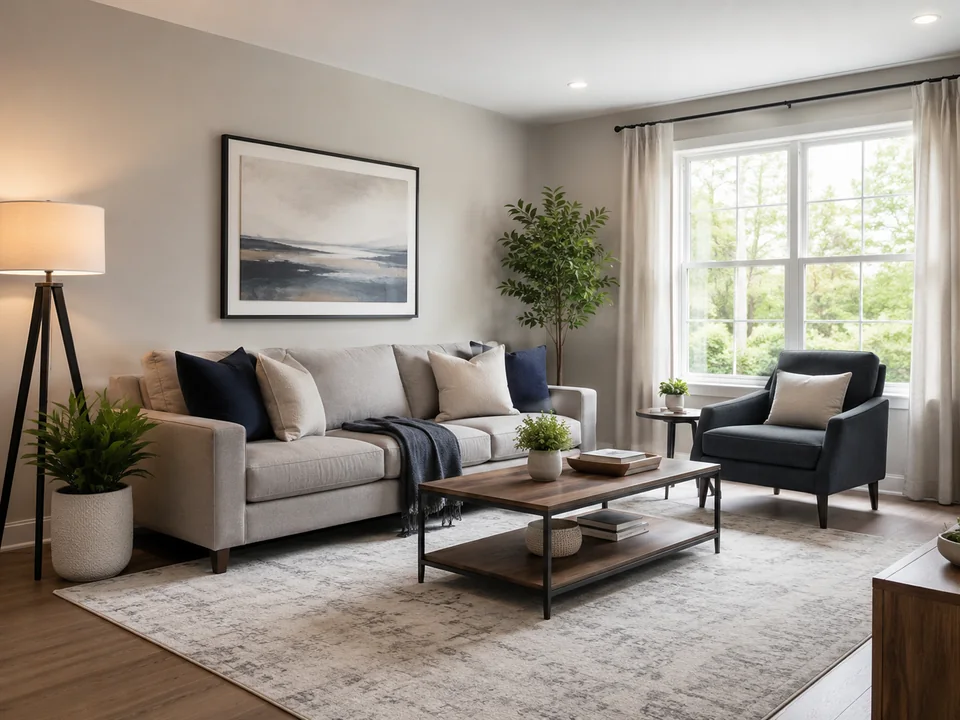
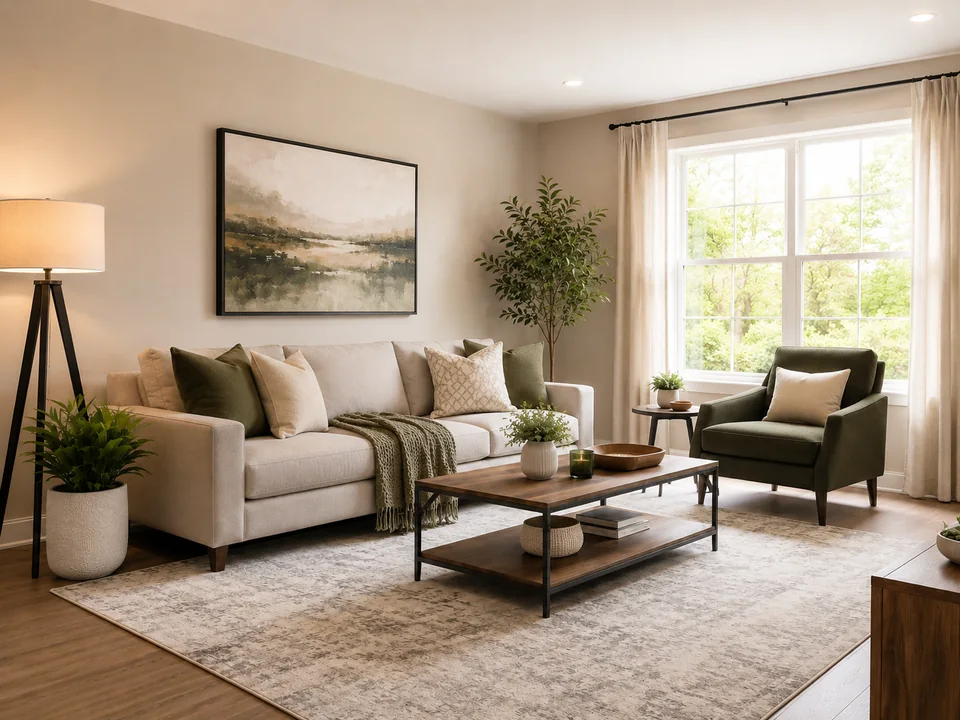
درجات البكسل قيد الانتظار
تحليل الاختلافات
شغّل فحص الاختلاف المحلي في المتصفح لملء النتائج وبطاقات المقاييس الجانبية.تغييرات مرئية
تشغيل الاختلاف المحلييلزم فرق محليمتوسط فرق RGB
تشغيل الاختلاف المحلييلزم فرق محليPSNR
تشغيل الاختلاف المحلييلزم فرق محلي1
إضافة الصور
استبدل أي جانب أو اسحب ملفًا إلى الخانة.
اختر أو أفلت ملف PNG أو JPG أو JPEG أو WebP لـ الصورة A.
A
الأصل / قبل
اختر أو أفلت ملف PNG أو JPG أو JPEG أو WebP لـ الصورة B.
B
المعدلة / بعد
2
اختر العرض
غيّر طريقة مقارنة الصورتين في العارض الرئيسي.
3
ملخص النتائج
استخدم تشغيل الفرق المحلي قرب العارض للحصول على درجات البكسل المحلية. يتم الحساب في هذا المتصفح.
اختر العرض
اختر العرض: سلايدر مقارنة الصور / مقارنة الصور جنبًا إلى جنب / مقارنة الصور بالتراكب / إبراز الفروقات.ملخص النتائج
ملخص النتائج: إبراز الفروقات, مقارنة الصور.الأوضاع
مقارنة الصور: سلايدر مقارنة الصور / مقارنة الصور جنبًا إلى جنب / مقارنة الصور بالتراكب / إبراز الفروقات
استخدم سلايدر مقارنة الصور ومقارنة الصور جنبًا إلى جنب ومقارنة الصور بالتراكب للمراجعة البصرية، ثم شغّل إبراز الفروقات فقط عند الحاجة إلى مقاييس بكسل محلية.
سلايدر مقارنة الصور
يساعد شريط تمرير مقارنة الصور في مراجعة قبل/بعد ومقارنة الصورتين في الموضع نفسه.
مقارنة الصور جنبًا إلى جنب
يعرض وضع جنبًا إلى جنب الملفين معًا لمراجعة الصور والتخطيط.
مقارنة الصور بالتراكب
يساعد وضع التراكب في فحص المحاذاة واللون والقص وتغيّر المسافات.
إبراز الفروقات
استخدم مدقق اختلاف الصور لإبراز اختلافات الصور، وضبط العتبة، وقراءة البكسلات المتغيرة ومتوسط فرق RGB وRMSE وPSNR من مقارنة محلية.
مدقق اختلاف الصورالاستخدامات
مقارنة الصور: الاستخدامات
مقارنة الصور · مقارنة صور الذكاء الاصطناعي · مقارنة ضغط الصور JPEG PNG · مقارنة الوجوه.
اختر الصور
أداة مقارنة الصور: اختر الصور, اختر العرض, ملخص النتائج. محلي في المتصفح مقارنة الصور.
مقارنة صور الذكاء الاصطناعي
مقارنة صور الذكاء الاصطناعي يعني مقارنة النسخ المولدة أو المعدلة بصريًا؛ لا تنشئ الصفحة ملخصات بالذكاء الاصطناعي ولا تحكم تلقائيًا على الصورة الأفضل.
مقارنة الصور
مقارنة الصور: سلايدر مقارنة الصور, مقارنة الصور جنبًا إلى جنب.
مقارنة ضغط الصور JPEG PNG
مقارنة ضغط الصور JPEG PNG: ملخص النتائج, مقارنة بين الصور.
مقارنة بين الصور
مقارنة بين الصور: مقارنة الصور, صورة مقارنة, مقارنة صور الذكاء الاصطناعي.
مقارنة الصور جنبًا إلى جنب
مقارنة الصور جنبًا إلى جنب: مقارنة بين الصور, مقارنة الصور.
مقارنة الوجوه
مقارنة الوجوه مخصصة لمراجعة البورتريه قبل/بعد بصريًا فقط؛ وليست تحققًا من الهوية أو مطابقة بيومترية.
الأوضاع
مقارنة الصور: اختر العرض
سلايدر مقارنة الصور / مقارنة الصور جنبًا إلى جنب / مقارنة الصور بالتراكب / إبراز الفروقات. محلي في المتصفح مقارنة الصور.
مقارنة الصور: اختر العرض
سلايدر مقارنة الصور · مقارنة الصور بالتراكب · مقارنة الصور جنبًا إلى جنب.
إبراز الفروقات: ملخص النتائج
إبراز الفروقات · تشغيل الفرق المحلي · محلي في المتصفح مقارنة الصور.
PNG, JPG, JPEG, WebP: أداة مقارنة الصور
أداة مقارنة الصور: PNG, JPG, JPEG, WebP.
صورة مقارنة
صورة مقارنة: مقارنة بين الصور
مقارنة الصور · صورة مقارنة · مقارنة بين الصور. محلي في المتصفح مقارنة الصور.
صورة مقارنة
صورة مقارنة: مقارنة بين الصور, مقارنة الصور.
مقارنة الصور أونلاين
مقارنة الصور أونلاين: محلي في المتصفح مقارنة الصور.
مقارنة بين الصور
مقارنة بين الصور: سلايدر مقارنة الصور, إبراز الفروقات.
مقارنة الوجوه
مقارنة الوجوه: مقارنة الصور, مقارنة الصور.
مقارنة بين الصور
مقارنة الصور: مقارنة بين الصور
مقارنة الصور · صورة مقارنة · مقارنة صور الذكاء الاصطناعي · مقارنة ضغط الصور JPEG PNG · مقارنة الصور جنبًا إلى جنب.
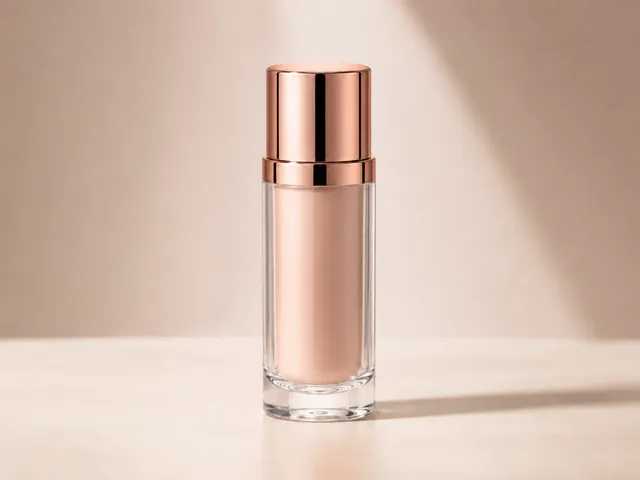
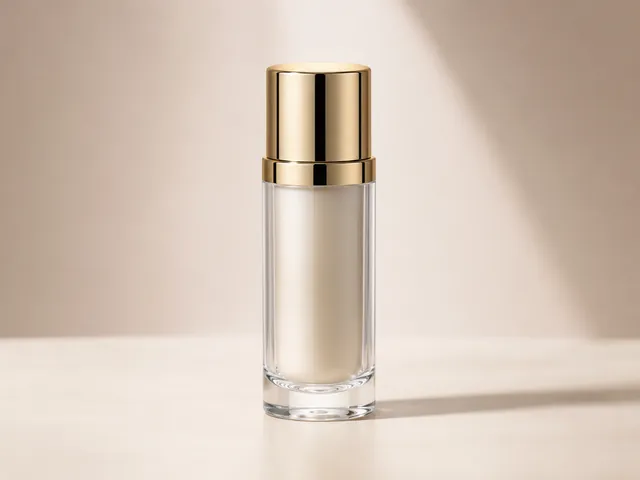
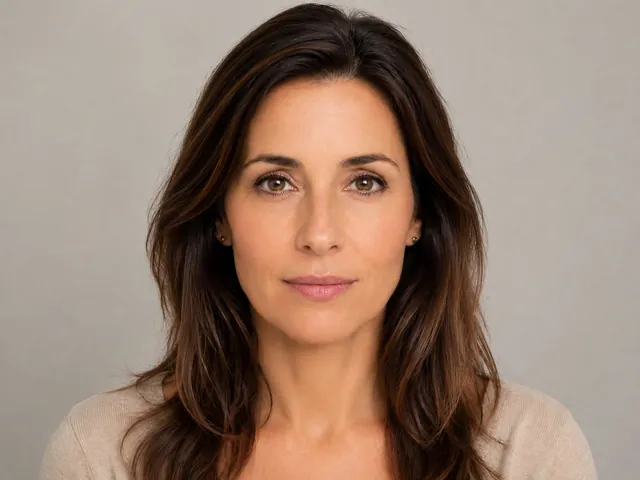
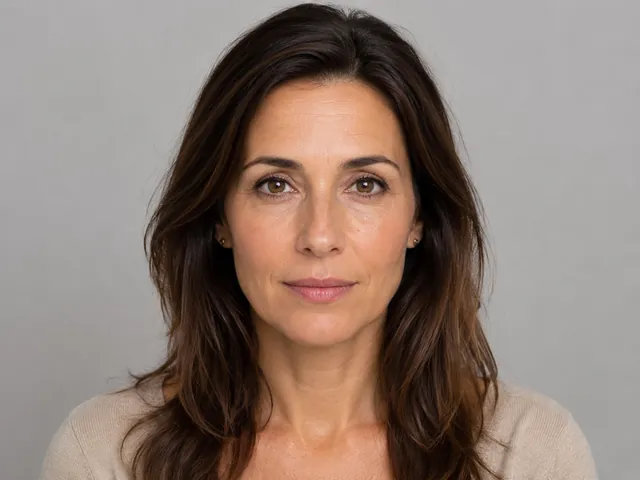
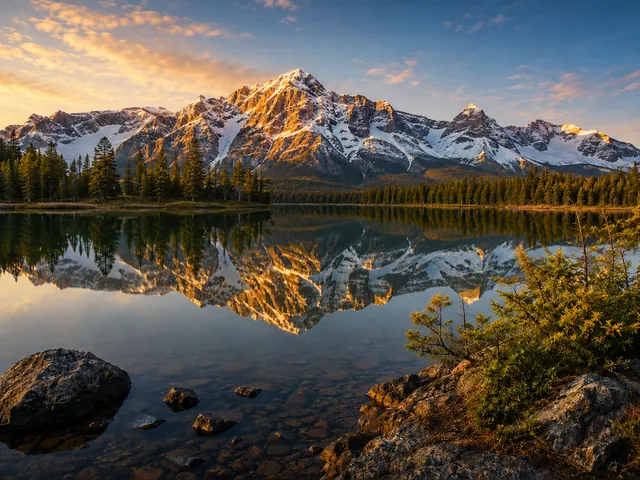
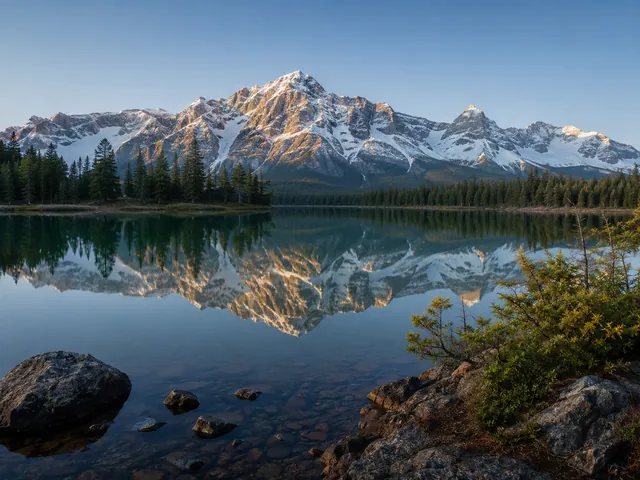
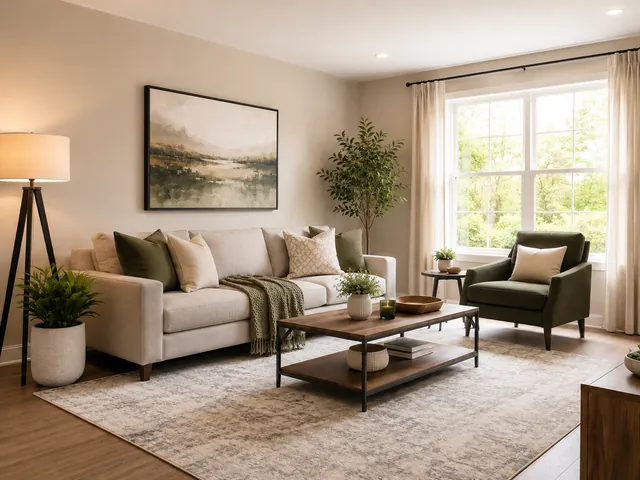
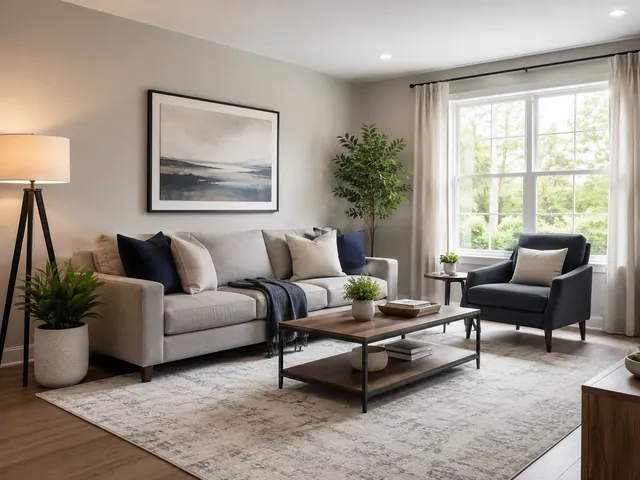
ملخص النتائج
مقارنة الصور: اختر الصور → ملخص النتائج
اختر صورتين محليتين، حدد وضع العرض، افحص الفرق المرئي، ثم أعد الضبط عندما تنتهي من المراجعة.
اختر الصور
اختر الصور: PNG, JPG, JPEG, WebP.
اختر العرض
اختر العرض: سلايدر مقارنة الصور / مقارنة الصور جنبًا إلى جنب / مقارنة الصور بالتراكب / إبراز الفروقات.
ملخص النتائج
ملخص النتائج: إبراز الفروقات.
الخصوصية
محلي في المتصفح مقارنة الصور
أداة مقارنة الصور: محلي في المتصفح مقارنة الصور.
الخصوصية
- محلي في المتصفح: مقارنة الصور.
- الخصوصية: أداة مقارنة الصور.
- لا يتم إرسال بيانات الصور أو عناوين URL للكائنات أو أسماء الملفات أو بيانات base64 أو نتائج البكسل عمدًا إلى أدوات التحليلات.
الأسئلة
مقارنة الصور: الأسئلة
أداة مقارنة الصور: PNG, JPG, JPEG, WebP · سلايدر مقارنة الصور / مقارنة الصور جنبًا إلى جنب / مقارنة الصور بالتراكب / إبراز الفروقات. محلي في المتصفح مقارنة الصور.
مقارنة الصور مجانًا?
نعم. تعني مقارنة الصور مجانًا أنك تستطيع اختيار ملفين محليين، معاينتهما في المتصفح، وتشغيل فحص بكسل محلي من الصفحة نفسها.
أداة مقارنة الصور: PNG, JPG, JPEG, WebP?
تتعامل أداة مقارنة الصور حاليًا مع PNG, JPG, JPEG, WebP. لا تدّعي هذه الصفحة دعم صيغ غير مدعومة.
سلايدر مقارنة الصور?
سلايدر مقارنة الصور · مقارنة الصور جنبًا إلى جنب · مقارنة الصور بالتراكب · إبراز الفروقات.
مقارنة بين الصور: ملخص النتائج?
مقاييس مقارنة بين الصور ليست درجات ذكاء اصطناعي وهمية. تظهر تفاصيل الملفات بعد تحميل الصور، وتُحسب مقاييس البكسل محليًا بعد تشغيل إبراز الفروقات.
كيف أعرف أن صوري تم تحميلها؟
إذا ظهرت صورك في خانات الرفع، فهذا يعني عادةً أنها تم تحميلها بنجاح. قد تستغرق ملفات الصور الكبيرة جدًا وقتًا أطول وقد تجعل المقارنة أبطأ.
مقارنة صور الذكاء الاصطناعي?
مقارنة صور الذكاء الاصطناعي تعني مقارنة بصرية لنسخ مولدة أو معدلة، ولا تعني ملخصات ذكاء اصطناعي أو مطابقة هوية أو حكمًا بصريًا آليًا.
مقارنة الوجوه?
مقارنة الوجوه تساعد في مراجعة البورتريه قبل/بعد فقط، وليست أداة تحقق هوية أو تعرف بيومتري.
أداة مقارنة الصور: الخصوصية?
تُعرض الصور المحددة وتُقارن داخل المتصفح. يجب ألا تستلم التحليلات أو قياسات الإعلانات المستقبلية ملفات الصور أو عناوين الكائنات أو أسماء الملفات أو base64 أو نتائج فروق البكسل.