画像を選択
画像比較は、ローカルのPNG, JPG, JPEG, WebPファイル2枚または用意された例から始められます。ブラウザ内 画像比較
画像比較、無料。
画像比較、比較画像、写真比較、顔比較、AI画像比較の確認を、アップロードなしでブラウザ内で行えます。
ブラウザ内 コンソール
画像比較ツール
実際の前後例から始め、用意されたケースを切り替えるか、自分のPNG, JPG, JPEG, WebPファイルに差し替えられます。
画像はこのブラウザセッション内に残りますPNG, JPG, JPEG, WebPピクセル指標は差分ハイライト後のみ
ピクセル一致
ローカル差分を実行ローカル差分が必要変更ピクセル
ローカル差分を実行ローカル差分が必要RMSE
ローカル差分を実行ローカル差分が必要

ピクセルスコアは保留中
差分を分析
ブラウザ内差分を実行して、結果チップとサイド指標カードを埋めます。視覚的な変化
ローカル差分を実行ローカル差分が必要平均 RGB 差分
ローカル差分を実行ローカル差分が必要PSNR
ローカル差分を実行ローカル差分が必要1
画像を追加
左右どちらかを差し替えるか、ファイルを枠にドラッグします。
画像 A 用の PNG、JPG、JPEG、WebP ファイルを選択またはドロップします。
A
元画像 / 前
画像 B 用の PNG、JPG、JPEG、WebP ファイルを選択またはドロップします。
B
変更後 / 後
2
表示モード
中央ビューアーでの比較方法を切り替えます。
3
結果概要
ローカルピクセルスコアには、ビューア近くのピクセル差分を実行を使います。差分ハイライトを開き、このブラウザで計算します。
表示モード
画像比較スライダー、横並び画像比較、重ね合わせ画像比較、差分ハイライトを同じ流れで切り替えられます。結果概要
差分ハイライトは、画像比較の目視確認後にローカルのピクセル指標を作成します。モード
画像比較: スライダー、横並び、重ね合わせ、ローカル差分
画像比較ツールは目視確認と計算結果を分け、差分ハイライトを実行するまでスコアを保留します。
画像比較スライダー
画像比較スライダーは、画像比較や比較画像の前後確認に向いています。
横並び画像比較
横並び画像比較では両方のファイルを同時に見ながら、写真比較やレイアウトの差を確認できます。
重ね合わせ画像比較
重ね合わせ画像比較は、位置合わせ、色、トリミング、余白の変化を確認するための表示です。
差分ハイライト
差分ハイライトから始め、しきい値を調整し、変更ピクセル、平均 RGB 差分、RMSE、PSNR をローカル Canvas 比較で確認します。
画像差分チェッカー用途
違いを明確に見るための画像比較
写真比較、AI画像比較、JPEG PNG 画像圧縮比較、顔比較、スクリーンショット、商品編集を同じ流れで確認できます。
できること
画像比較ツールは2つのファイルを選び、ローカルでプレビューし、アップロード、アカウント、共有リンクなしでブラウザ内比較します。
AI画像比較
AI画像比較は生成された画像バリエーションを目視で比べる用途です。自動AI分析を行うものではありません。
写真比較
写真比較は、レタッチ、色調整、トリミング、不要部分の修正、前後確認に使えます。
JPEG PNG 画像圧縮比較
JPEG PNG 画像圧縮比較は書き出し後の確認用ワークフローであり、圧縮サービスではありません。
比較画像
比較画像の例には、商品、スクリーンショット、スキャン、デザイン修正、生成バリエーションを含められます。
横並び画像比較
横並び画像比較は、UIスクリーンショット、ビジュアルQA、商品画像の修正確認に便利です。
顔比較
顔比較は人物写真の目視確認に限定され、本人確認や生体認証の照合ではありません。
方法
目視確認とローカルピクセル確認を組み合わせた画像比較
画像比較スライダー、重ね合わせ画像比較、横並び画像比較は人の確認を支え、差分ハイライトは必要な時だけローカル指標を計算します。
画像比較の目視確認
人の目で見るのが最も分かりやすい場合は、画像比較スライダー、重ね合わせ画像比較、横並び画像比較を使います。
差分ハイライトのローカル指標
差分ハイライトは両方の画像を読み込んだ後に実行され、ピクセル指標はブラウザAPIから計算されます。
PNG, JPG, JPEG, WebPのワークフロー
画像比較ツールは現在PNG, JPG, JPEG, WebPに対応しています。未対応形式のサポートはうたいません。
ガイド
比較画像と比較画像を1ページで確認
画像比較、比較画像、比較画像のどれから始めても、選択したファイルはローカルに保たれます。
比較画像
比較画像は、商品編集、UIスクリーンショット、生成バリエーション、スキャン補正、レタッチの組み合わせに使えます。
画像比較 オンライン
画像比較 オンラインはページ内で動作し、選択したファイルはローカルのブラウザセッションに残ります。
比較画像
比較画像は、目視確認だけで足りるか、差分ハイライトを実行すべきかを判断する助けになります。
顔比較
顔比較は人物写真レビューとして説明しており、本人確認や生体認証を目的にしていません。
例
画像比較の例
前後編集、商品画像、人物、室内、風景バリエーションを画像比較と比較画像の例として確認できます。
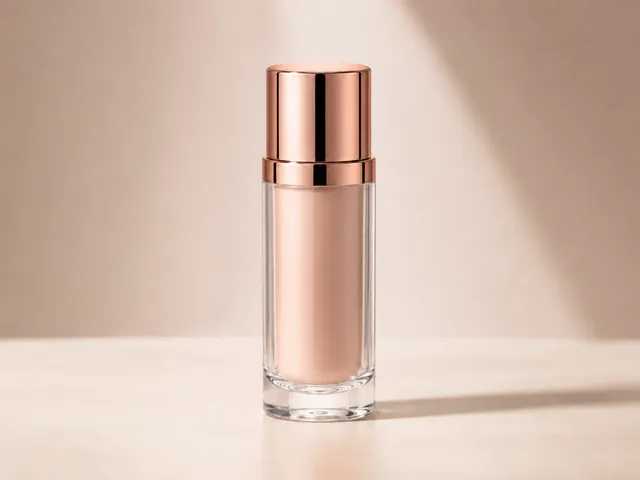
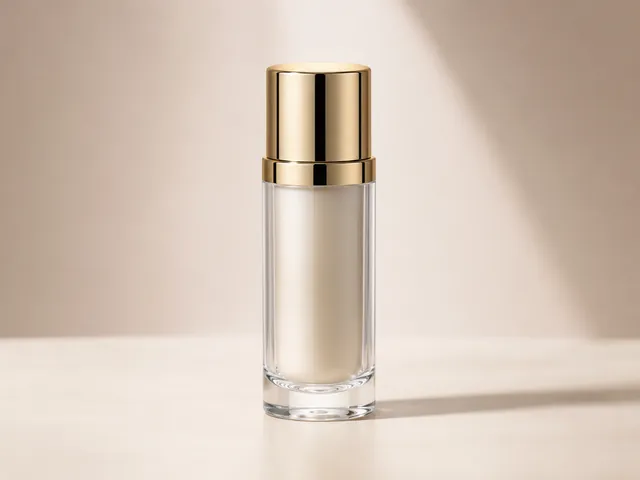



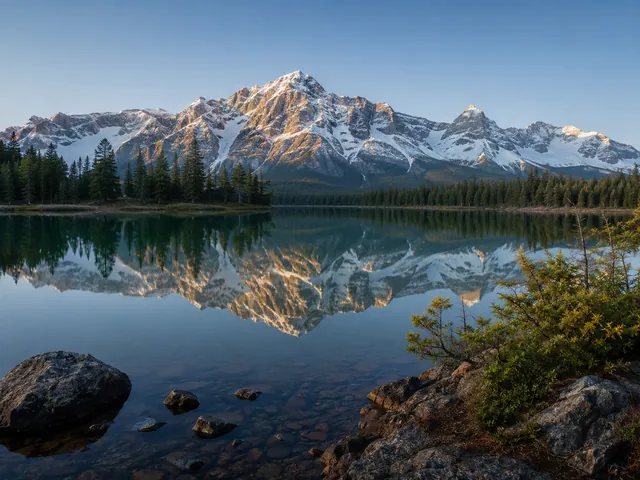


流れ
ローカルファイルからレビューまでの画像比較
2枚の画像を選び、モードを切り替え、見える違いを確認し、完了したらリセットします。
画像を選択
画像比較のために、端末から元画像と変更後画像を選びます。
表示モード
画像比較スライダー、横並び画像比較、重ね合わせ画像比較、差分ハイライトを切り替えます。
結果概要
まずファイル詳細を確認し、ピクセル指標は差分ハイライトの後にローカルで計算します。
プライバシー
ブラウザ内 画像比較
画像比較ツールは、選択したファイルをアクティブなページセッション内に保つブラウザ内確認向けに設計されています。
画像ファイルの扱い
- 選択画像をサーバーへ送るアップロード経路はありません。
- 選択画像用のアカウント機能や共有URLはありません。
- 画像データ、オブジェクトURL、ファイル名、base64、ピクセル結果を分析へ意図的に送信しません。
FAQ
画像比較のよくある質問
回答は表示中の画像比較ツールに合わせています: PNG, JPG, JPEG, WebP、4つの確認モード、ブラウザ内処理。
無料 画像比較ですか?
はい。無料 画像比較ではローカルファイルを2つ選び、ブラウザでプレビューし、ページ上でローカルのピクセル確認を実行できます。
画像比較ツールの対応形式は?
画像比較ツールは現在PNG, JPG, JPEG, WebPに対応しています。未対応形式をサポートするとは表示していません。
画像比較スライダーは使えますか?
はい。画像比較スライダーは横並び画像比較、重ね合わせ画像比較、差分ハイライトと一緒に使えます。
比較画像の指標はありますか?
比較画像の指標は架空のAIスコアではありません。画像読み込み後にファイル詳細を表示し、差分ハイライト後にピクセル指標をローカル計算します。
画像が読み込まれたかどうかはどう確認できますか?
画像がアップロード欄に表示されれば、通常は読み込み成功です。画像ファイルが大きい場合は読み込みに時間がかかり、比較も遅くなることがあります。
AI画像比較とは?
AI画像比較は生成バリエーションの目視比較という意味です。AI要約、本人照合、自動的な視覚判断ではありません。
顔比較は何に使えますか?
顔比較は人物写真の前後レビューに使えますが、本人確認や生体認証の認識には使いません。
画像データは安全ですか?
選択した画像はブラウザ内でプレビューと比較に使われます。今後の分析や広告計測も、画像ファイル、オブジェクトURL、ファイル名、base64、ピクセル差分結果を受け取るべきではありません。