इमेज चुनें
इमेज चुनें: PNG, JPG, JPEG, WebP.ब्राउज़र स्थानीय इमेज तुलना
इमेज तुलना, फ्री.
इमेज तुलना, तुलना इमेज, छवियों की तुलना और फोटो तुलना ब्राउज़र में करें, बिना सर्वर अपलोड के।
ब्राउज़र स्थानीय कंसोल
इमेज तुलना टूल
इमेज चुनें: PNG, JPG, JPEG, WebP. मोड चुनें: इमेज तुलना स्लाइडर / साइड बाय साइड इमेज तुलना / ओवरले इमेज तुलना / अंतर हाइलाइट.
इमेज इसी ब्राउज़र सत्र में रहती हैंPNG, JPG, JPEG, WebPपरिणाम: अंतर हाइलाइट
पिक्सेल मिलान
स्थानीय अंतर चलाएँस्थानीय अंतर चाहिएबदले पिक्सेल
स्थानीय अंतर चलाएँस्थानीय अंतर चाहिएRMSE
स्थानीय अंतर चलाएँस्थानीय अंतर चाहिए

पिक्सेल स्कोर प्रतीक्षा में हैं
अंतर विश्लेषित करें
परिणाम और साइड मीट्रिक कार्ड भरने के लिए ब्राउज़र में स्थानीय अंतर चलाएँ।दृश्य बदलाव
स्थानीय अंतर चलाएँस्थानीय अंतर चाहिएऔसत RGB डेल्टा
स्थानीय अंतर चलाएँस्थानीय अंतर चाहिएPSNR
स्थानीय अंतर चलाएँस्थानीय अंतर चाहिए1
इमेज जोड़ें
किसी भी ओर की इमेज बदलें या फाइल को स्लॉट में खींचें.
इमेज A के लिए PNG, JPG, JPEG या WebP फाइल चुनें या छोड़ें.
A
मूल / पहले
इमेज B के लिए PNG, JPG, JPEG या WebP फाइल चुनें या छोड़ें.
B
बदली हुई / बाद
2
मोड चुनें
मुख्य व्यूअर में जोड़ी की तुलना का तरीका बदलें.
3
परिणाम
स्थानीय पिक्सेल स्कोर के लिए व्यूअर के पास स्थानीय अंतर चलाएँ। गणना इसी ब्राउज़र में होती है।
मोड चुनें
मोड चुनें: इमेज तुलना स्लाइडर / साइड बाय साइड इमेज तुलना / ओवरले इमेज तुलना / अंतर हाइलाइट.परिणाम
परिणाम: अंतर हाइलाइट, इमेज तुलना.मोड
इमेज तुलना: इमेज तुलना स्लाइडर / साइड बाय साइड इमेज तुलना / ओवरले इमेज तुलना / अंतर हाइलाइट
दृश्य समीक्षा के लिए इमेज तुलना स्लाइडर, साइड बाय साइड इमेज तुलना और ओवरले इमेज तुलना इस्तेमाल करें; स्थानीय पिक्सेल मेट्रिक्स चाहिए हों तभी अंतर हाइलाइट चलाएं.
इमेज तुलना स्लाइडर
इमेज तुलना स्लाइडर पहले/बाद की समीक्षा और दोनों चित्रों को एक ही जगह मिलाने में मदद करता है.
साइड बाय साइड इमेज तुलना
साइड-बाय-साइड तुलना दोनों फ़ाइलें साथ दिखाती है, ताकि फ़ोटो और लेआउट जाँचना आसान रहे.
ओवरले इमेज तुलना
ओवरले तुलना अलाइनमेंट, रंग, क्रॉप और दूरी में बदलाव देखने में मदद करती है.
अंतर हाइलाइट
इमेज अंतर चेकर से अंतर हाइलाइट करें, सीमा सेट करें और बदले पिक्सेल, औसत RGB डेल्टा, RMSE और PSNR स्थानीय रूप से पढ़ें।
इमेज अंतर चेकरउपयोग
इमेज तुलना: उपयोग
फोटो तुलना · AI इमेज तुलना · JPEG PNG इमेज कम्प्रेशन तुलना · चेहरे की तुलना.
इमेज चुनें
इमेज तुलना टूल: इमेज चुनें, मोड चुनें, परिणाम. ब्राउज़र स्थानीय इमेज तुलना.
AI इमेज तुलना
AI इमेज तुलना का अर्थ जनरेटेड या संपादित वैरिएंट को आंख से तुलना करना है; यह पेज AI सारांश नहीं बनाता और बेहतर छवि का स्वचालित फैसला नहीं करता.
फोटो तुलना
फोटो तुलना: इमेज तुलना स्लाइडर, साइड बाय साइड इमेज तुलना.
JPEG PNG इमेज कम्प्रेशन तुलना
JPEG PNG इमेज कम्प्रेशन तुलना: परिणाम, छवियों की तुलना.
छवियों की तुलना
छवियों की तुलना: फोटो तुलना, तुलना इमेज, AI इमेज तुलना.
साइड बाय साइड इमेज तुलना
साइड बाय साइड इमेज तुलना: छवियों की तुलना, फोटो तुलना.
चेहरे की तुलना
चेहरे की तुलना केवल पोर्ट्रेट के पहले/बाद के दृश्य परीक्षण के लिए है; यह पहचान सत्यापन या बायोमेट्रिक मिलान नहीं है.
मोड
इमेज तुलना: मोड चुनें
इमेज तुलना स्लाइडर / साइड बाय साइड इमेज तुलना / ओवरले इमेज तुलना / अंतर हाइलाइट. ब्राउज़र स्थानीय इमेज तुलना.
इमेज तुलना: मोड चुनें
इमेज तुलना स्लाइडर · ओवरले इमेज तुलना · साइड बाय साइड इमेज तुलना.
अंतर हाइलाइट: परिणाम
अंतर हाइलाइट · स्थानीय अंतर चलाएँ · ब्राउज़र स्थानीय इमेज तुलना.
PNG, JPG, JPEG, WebP: इमेज तुलना टूल
इमेज तुलना टूल: PNG, JPG, JPEG, WebP.
तुलना इमेज
तुलना इमेज: छवियों की तुलना
इमेज तुलना · तुलना इमेज · छवियों की तुलना. ब्राउज़र स्थानीय इमेज तुलना.
तुलना इमेज
तुलना इमेज: छवियों की तुलना, फोटो तुलना.
ऑनलाइन इमेज तुलना
ऑनलाइन इमेज तुलना: ब्राउज़र स्थानीय इमेज तुलना.
छवियों की तुलना
छवियों की तुलना: इमेज तुलना स्लाइडर, अंतर हाइलाइट.
चेहरे की तुलना
चेहरे की तुलना: फोटो तुलना, इमेज तुलना.
छवियों की तुलना
इमेज तुलना: छवियों की तुलना
फोटो तुलना · तुलना इमेज · AI इमेज तुलना · JPEG PNG इमेज कम्प्रेशन तुलना · साइड बाय साइड इमेज तुलना.
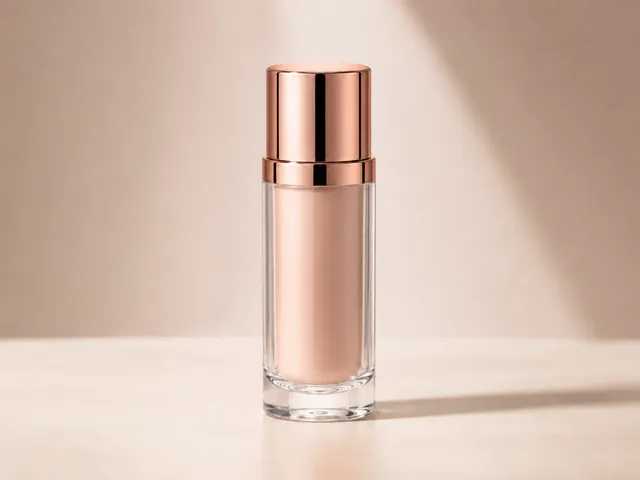
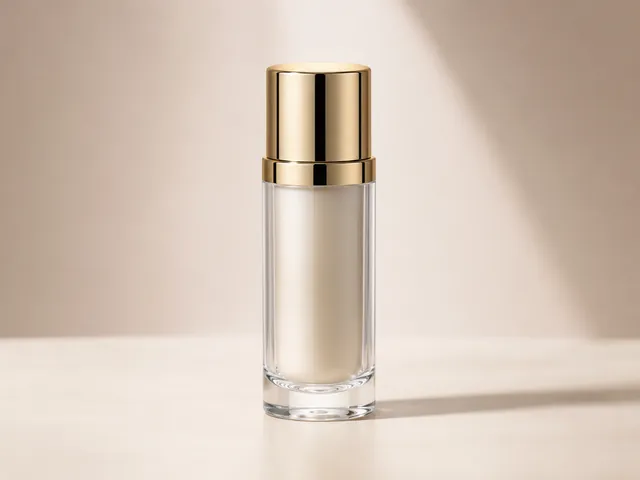

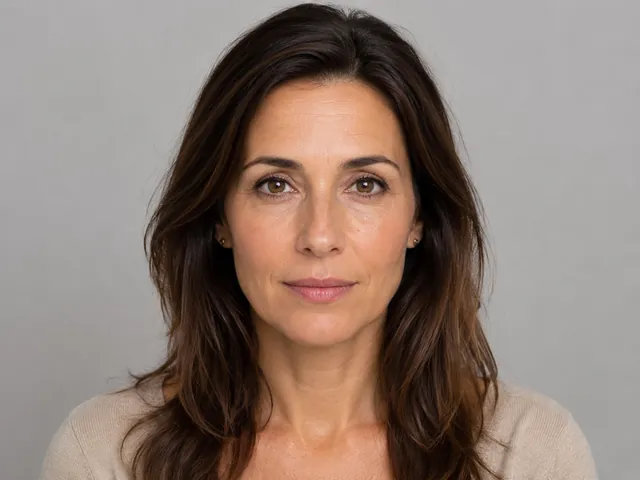
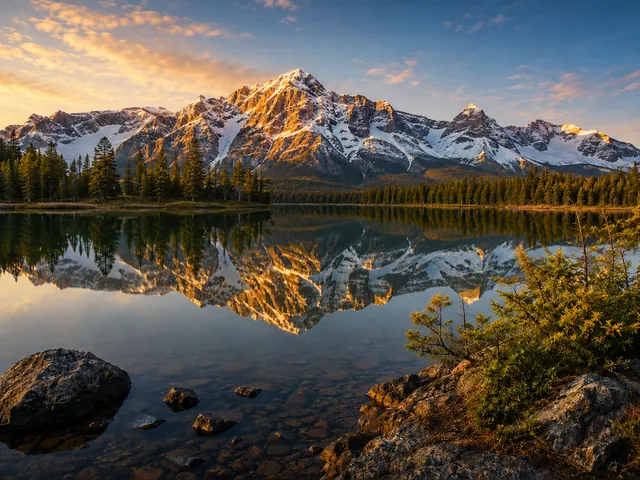


परिणाम
इमेज तुलना: इमेज चुनें → परिणाम
दो स्थानीय इमेज चुनें, दृश्य मोड चुनें, दिखाई देने वाला अंतर देखें, और जांच पूरी होने पर रीसेट करें.
इमेज चुनें
इमेज चुनें: PNG, JPG, JPEG, WebP.
मोड चुनें
मोड चुनें: इमेज तुलना स्लाइडर / साइड बाय साइड इमेज तुलना / ओवरले इमेज तुलना / अंतर हाइलाइट.
परिणाम
परिणाम: अंतर हाइलाइट.
गोपनीयता
ब्राउज़र स्थानीय इमेज तुलना
इमेज तुलना टूल: ब्राउज़र स्थानीय इमेज तुलना.
गोपनीयता
- ब्राउज़र स्थानीय: इमेज तुलना.
- गोपनीयता: इमेज तुलना टूल.
- इमेज डेटा, object URL, फ़ाइल नाम, base64 डेटा या पिक्सेल परिणाम जानबूझकर analytics को नहीं भेजे जाते.
FAQ
इमेज तुलना: FAQ
इमेज तुलना टूल: PNG, JPG, JPEG, WebP · इमेज तुलना स्लाइडर / साइड बाय साइड इमेज तुलना / ओवरले इमेज तुलना / अंतर हाइलाइट. ब्राउज़र स्थानीय इमेज तुलना.
फ्री इमेज तुलना?
हाँ. फ्री इमेज तुलना का मतलब है कि आप दो स्थानीय फ़ाइलें चुन सकते हैं, उन्हें ब्राउज़र में देख सकते हैं, और इसी पेज से स्थानीय पिक्सेल जांच चला सकते हैं.
इमेज तुलना टूल: PNG, JPG, JPEG, WebP?
इमेज तुलना टूल अभी PNG, JPG, JPEG, WebP संभालता है. यह पेज असमर्थित फ़ॉर्मैट का दावा नहीं करता.
इमेज तुलना स्लाइडर?
इमेज तुलना स्लाइडर · साइड बाय साइड इमेज तुलना · ओवरले इमेज तुलना · अंतर हाइलाइट.
छवियों की तुलना: परिणाम?
छवियों की तुलना मेट्रिक्स नकली AI स्कोर नहीं हैं. इमेज लोड होने पर फ़ाइल विवरण दिखते हैं, और अंतर हाइलाइट चलाने के बाद पिक्सेल मेट्रिक्स स्थानीय रूप से गणना होते हैं.
मुझे कैसे पता चलेगा कि मेरी इमेज लोड हो गई है?
यदि आपकी इमेज अपलोड स्लॉट में दिखाई देती है, तो आम तौर पर वह सफलतापूर्वक लोड हो गई है। बहुत बड़ी इमेज फ़ाइलें लोड होने में अधिक समय ले सकती हैं और तुलना धीमी कर सकती हैं।
AI इमेज तुलना?
AI इमेज तुलना जनरेटेड वैरिएंट की दृश्य तुलना है; यह AI सारांश, पहचान मिलान या स्वचालित दृश्य निर्णय नहीं है.
चेहरे की तुलना?
चेहरे की तुलना पोर्ट्रेट की पहले/बाद समीक्षा के लिए है, पहचान सत्यापन या बायोमेट्रिक पहचान के लिए नहीं.
इमेज तुलना टूल: गोपनीयता?
चुनी गई इमेज ब्राउज़र में स्थानीय रूप से preview और compare होती हैं. भविष्य की analytics या ad measurement को image files, object URL, file names, base64 या pixel diff results नहीं मिलने चाहिए.