Find image differences
This image difference checker marks changed pixels in red so visible edits are easy to locate.
Browser-local pixel comparison
Use this image diff checker to find image differences, highlight changed pixels, tune the threshold, and read mean RGB delta, RMSE, and PSNR.
Pixel diff lab
Load a real example or compare your own PNG, JPG, JPEG, or WebP file. This pixel difference checker updates scores after the local diff runs.
Pixel match
Run local diffNeeds local diffChanged pixels
Run local diffNeeds local diffRMSE
Run local diffNeeds local diffHighlight Diff
Run a browser-local pixel difference checker to create a highlighted difference preview.
Lower values catch subtle changes; higher values ignore compression noise, tiny lighting shifts, and anti-aliasing. A pixel counts as changed when its maximum RGBA channel delta is above this value.
Image difference scores are pending
Visual changes
Run local diffNeeds local diffMean RGB delta
Run local diffNeeds local diffPSNR
Run local diffNeeds local diffReplace either side, then run the local diff for measured results.
Choose or drop a PNG, JPG, JPEG, or WebP file for Baseline image.
Baseline / before

Choose or drop a PNG, JPG, JPEG, or WebP file for Changed image.
Changed / after
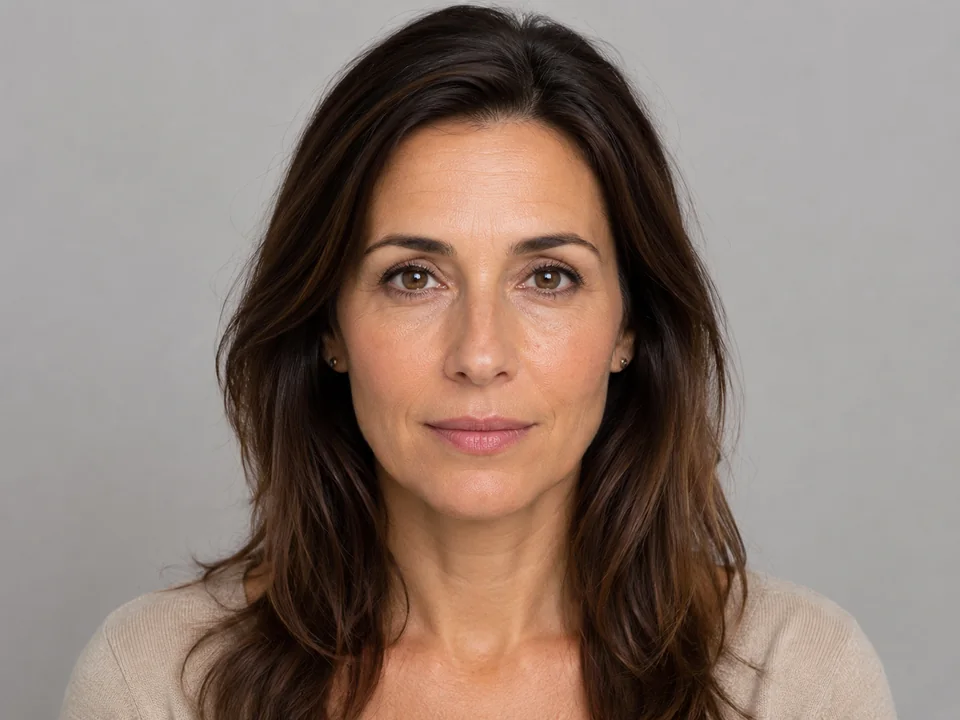
Highlight Diff is the primary image difference view; slider, side-by-side, and overlay help verify context.
Use Run pixel diff near the viewer for local image difference scores. It opens Highlight Diff and calculates in this browser.
This image difference checker marks changed pixels in red so visible edits are easy to locate.
Use 32 as the balanced default, 8 for exact UI checks, 18 for fine photo detail, and 64 for larger visual differences.
Use changed pixel %, mean RGB delta, RMSE, and PSNR to explain how different the image pair is.
Diff metrics
The image diff checker separates visual review from computed pixel results. File details appear after loading; metrics update after the local diff runs.
Counts pixels where this pixel difference checker finds a channel delta greater than the current threshold.
Shows changed pixels as a share of all comparable pixels in the normalized image difference canvas.
Summarize RGB error. Lower RMSE and higher PSNR mean the images are visually closer.
Method
Both images are decoded locally, drawn to a shared normalized canvas, then compared channel by channel. The threshold controls which pixels count as image differences.
A pixel counts as an image difference when the largest red, green, blue, or alpha channel delta is greater than the selected threshold.
Images with different dimensions are centered on one canvas. Large files may be scaled to keep the browser responsive, and the result panel reports the scale.
Mean RGB delta, RMSE, and PSNR give a more technical view of the same local image differences shown by the highlight preview.
Use cases
Use the same browser-local image diff checker for practical review tasks where visible image differences need to be found quickly.
Use the visual difference checker to spot UI screenshot changes while allowing threshold tolerance for rendering differences.
Confirm where color, cleanup, shadows, or retouching changed between two exports with highlighted image differences.
Compare JPEG, PNG, or WebP exports to see visible pixel differences after optimization.
Compare two AI-generated image variants visually with local pixel measurements.
Compare portrait or face photos visually for retouching, expression, crop, or lighting changes.
FAQ
Answers match the visible image difference checker: local image previews, thresholded pixels, and no server upload flow.
Start with 32 for a balanced review. Use 8 for strict UI screenshots, 18 for fine photo detail, and 64 when you only want large visible changes.
If your images appear in the upload slots, they have usually loaded successfully. Very large image files can take longer to load and may slow down comparison.
Yes. You can compare AI-generated variants as two selected images; the results are local pixel measurements.
You can compare portrait or face photos visually. The tool does not verify identity or perform biometric recognition.